 Musea Paper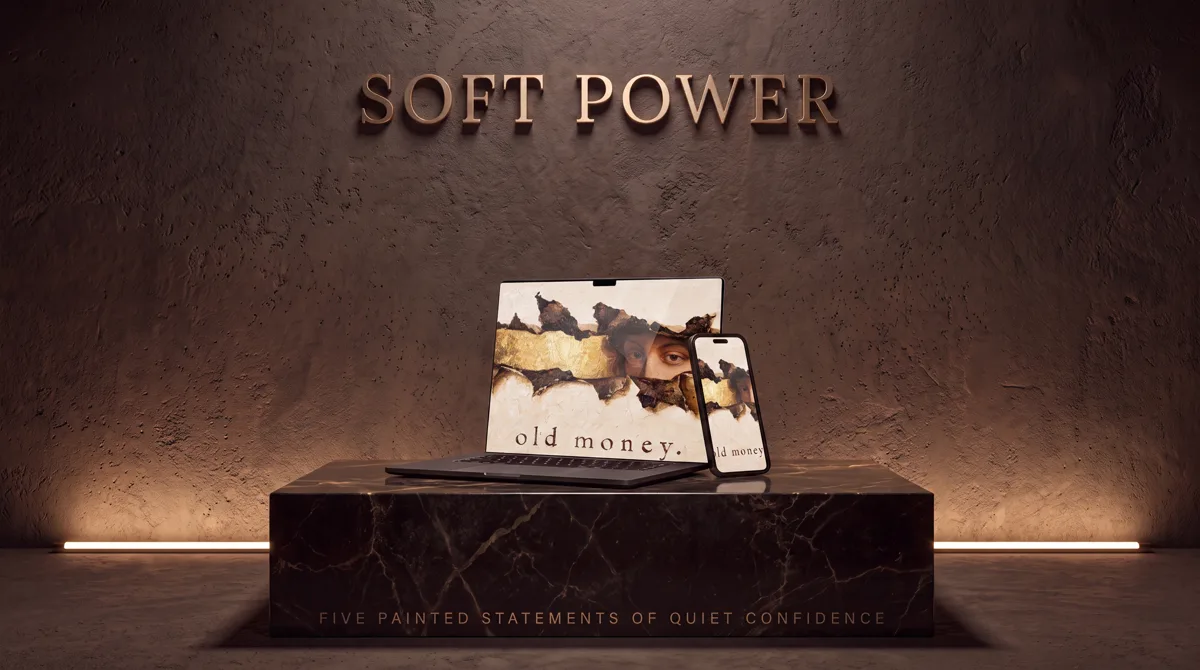
Download both folders
Open the collection ZIP. Keep the iPhone and Mac folders together so artwork names remain easy to match.
Set the Mac first
Open System Settings, choose Wallpaper, and add the landscape file. Use Fill Screen only if the full composition remains visible; otherwise use Fit to Screen.
Set the iPhone companion
Send the matching portrait file to Photos with AirDrop or iCloud. Add it as a new wallpaper pair, then adjust the crop without changing the focal point.
Keep icons readable
Choose a quiet home screen if the artwork includes one. For Device Pairs, test both light and dark icon treatments against the painted background.
Shop Device Pairs